
Edit with KineMaster on Your MacBook Neo
March 20, 2026 · Alex Grant
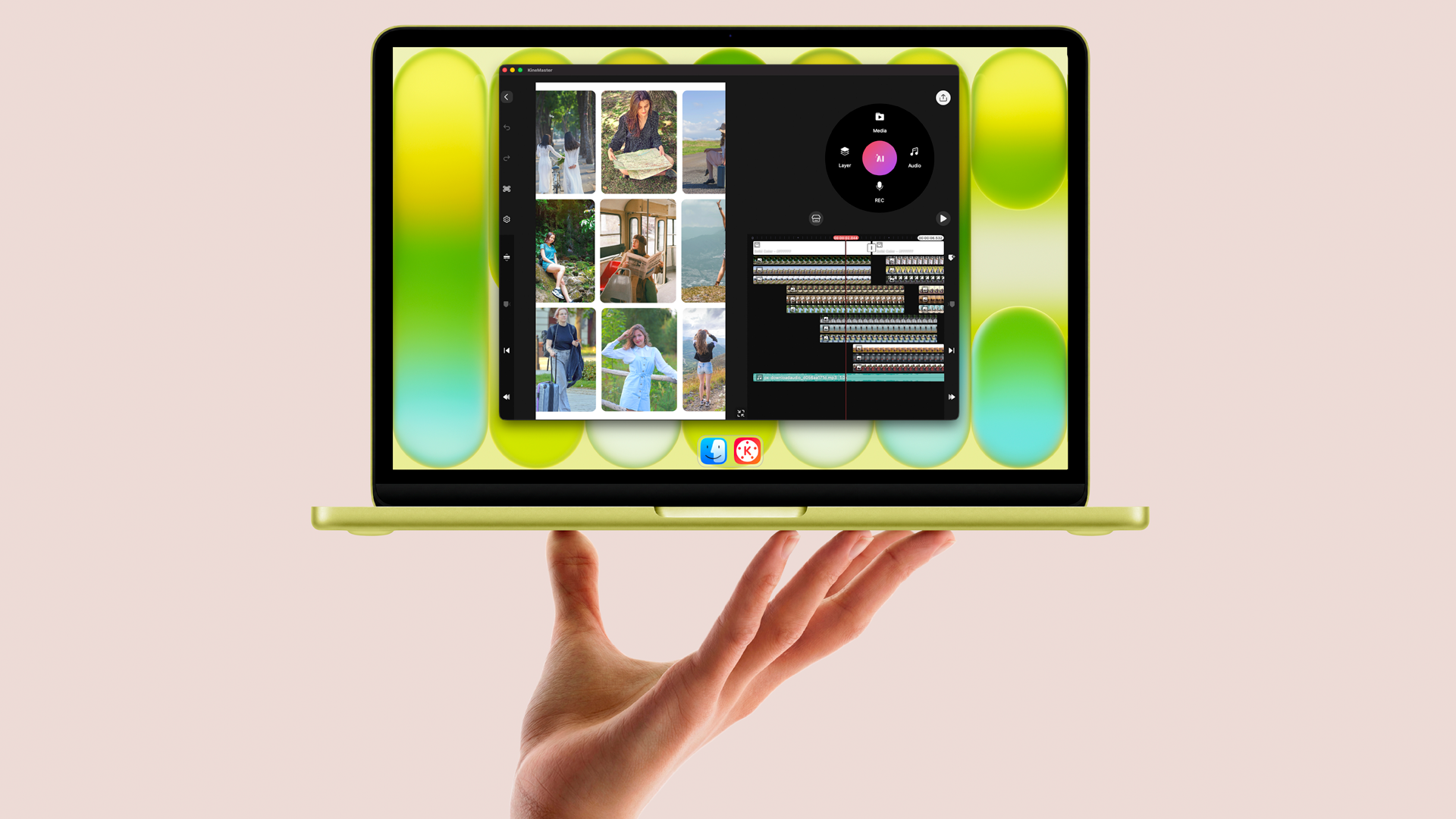
iPhone 16 Pro and Pro Max phones absolutely dominated last year's mobile flagship lineup for video editing. KineMaster on the iPhone 16 Pro rips through video edits and exports like nothing else. That's also why the iPhone 16 didn't come cheap.
Now, mobile video editing has arrived on laptops (at an amazing price) with the introduction of the MacBook Neo.
KineMaster on the MacBook Neo turns a budget laptop into a video editing powerhouse. With the release of the MacBook Neo, Apple's new budget-friendly laptop, there's a state-of-the-art mobile processor in a laptop. Destiny.
Apple’s new MacBook Neo sports an A18 Pro CPU, the same that’s in the iPhone 16 Pro, (and Pro Max) and 8GB of RAM. The MacBook Neo comes with 256GB or 512GB of storage for your videos and images. If you need more space you can always plug in an external hard drive to the USB 3.2 port.
The MacBook Neo’s screen offers an excellent experience for editors for the price. Its bright, color-accurate screen guarantees that the video you’re making will save out just like you see it.
With KineMaster on the MacBook Neo, you’re going to be able to edit multiple 4K video layers and export 4K video footage at 60 FPS without any issues. KineMaster’s mobile focus makes its performance on the MacBook Neo a fierce competitor against editing software you wouldn’t normally compare it to, like Final Cut Pro and DaVinci Resolve.
"Editing 4K video on this computer is totally fine."
- Tyler Stalman
“In my opinion, the MacBook Neo is the best video editing laptop for beginners.”
- Collin Michael
In addition to all of the tools that you need, the huge library of assets available on the Asset Store, and superb functionality editing video, using KineMaster on macOS brings some quality of life improvements you’re likely to enjoy.
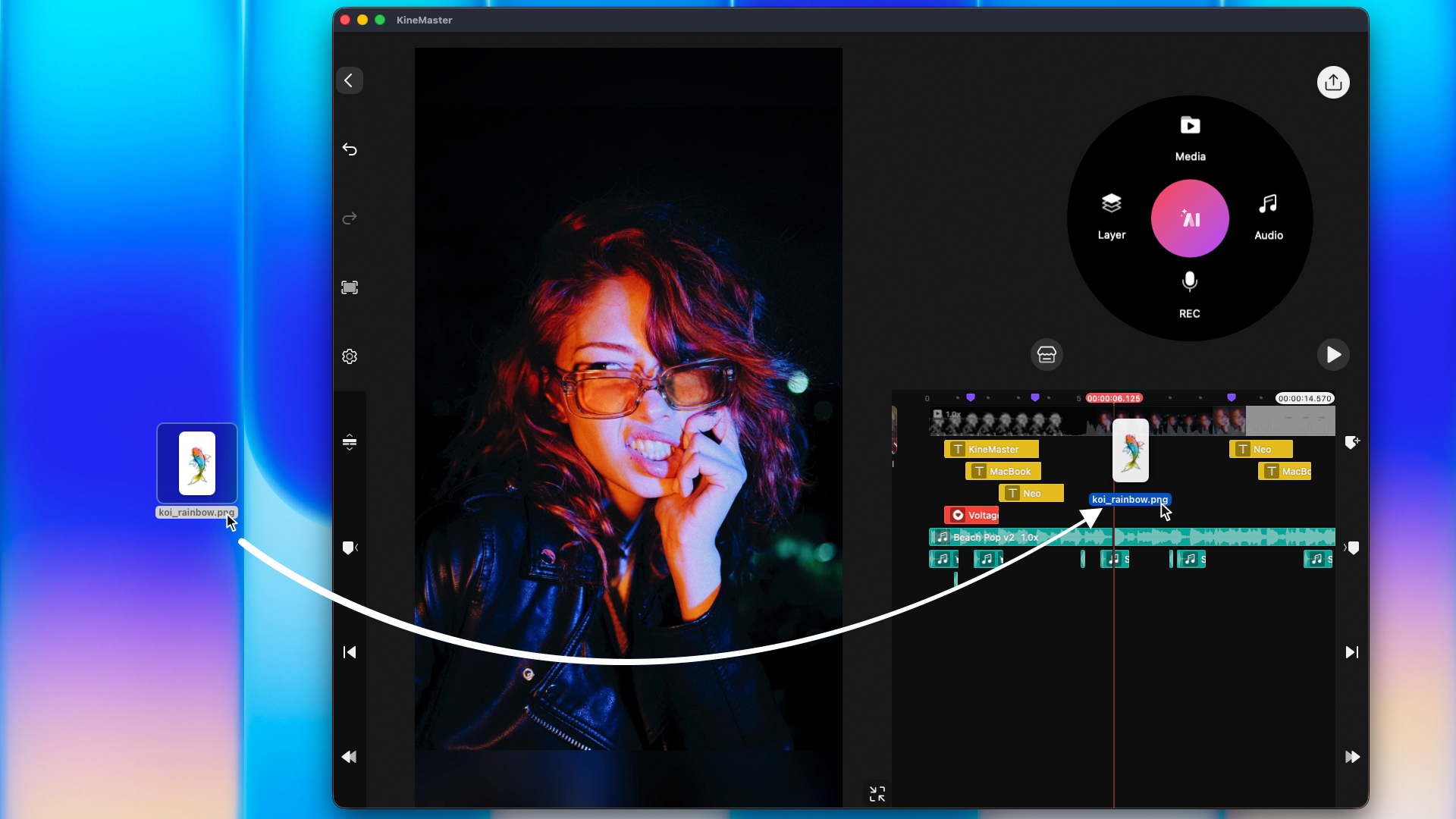 You can drag and drop media directly from the macOS Desktop into your KineMaster projects.
  Hotkey support makes cutting and timeline navigation extremely easy.
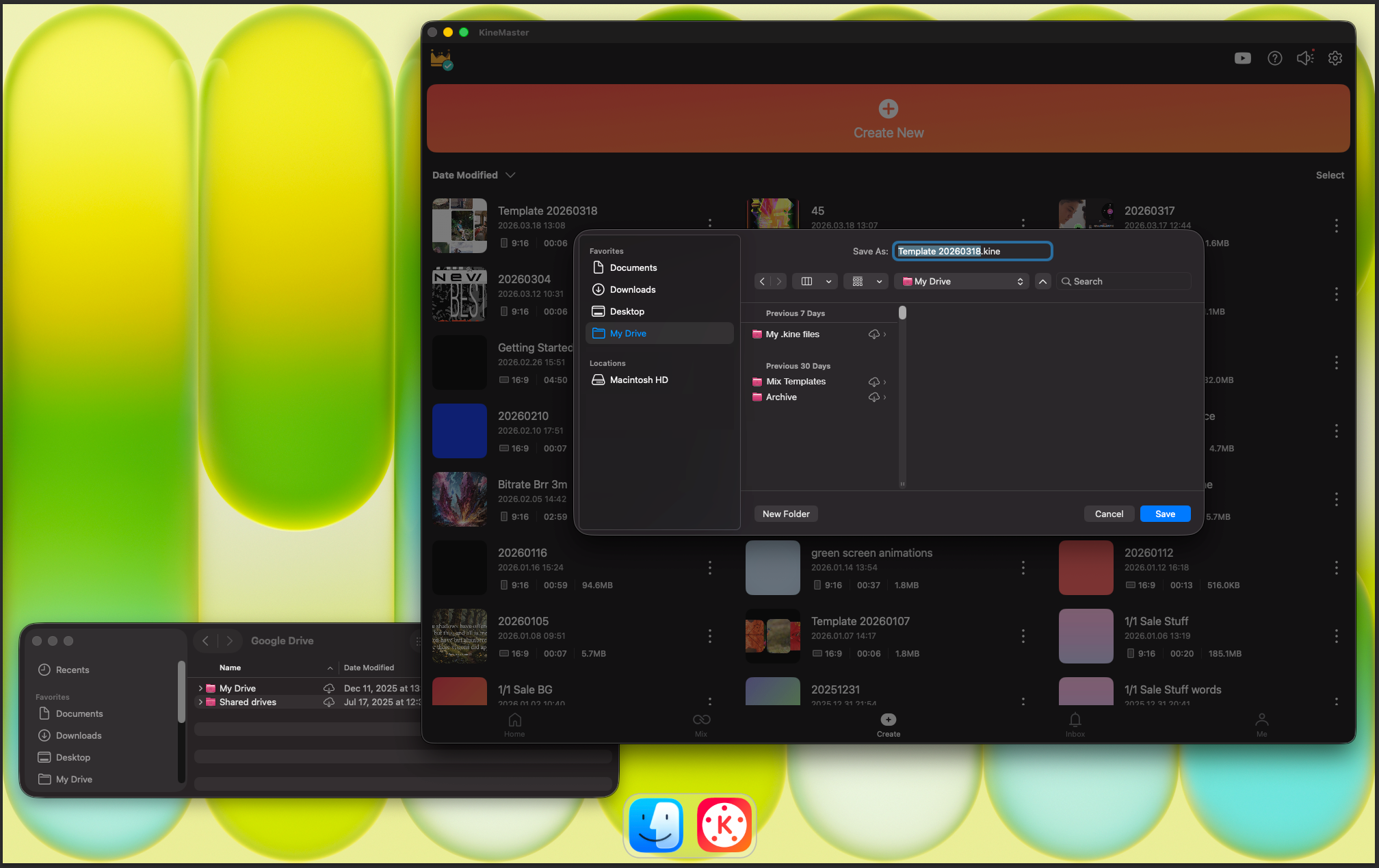 And if you’ve connected your Google Drive or OneDrive to your MacBook Neo, it’s extremely easy to back up your .kine files without needing to switch between apps.
 If you’ve been considering a laptop for video editing, or plan to in the future, the MacBook Neo and KineMaster are an amazing duo. The price and performance that you will get is unmatched, with all the same awesome features (and a few extra) you’re used to on your phone or tablet.
FAQ
Can I use KineMaster on my M4 Mac Mini?
Yes! macOS on Apple Silicon lets you install apps made for iOS and iPadOS, including KineMaster. KineMaster works great on Apple Silicon laptops and desktop computers. It even supports drag-and-drop and hotkeys.
Can I save my videos to an external drive to save hard drive space?
KineMaster for macOS, just like on an iPhone or iPad, saves your video to your Photos app. To save a video to an external hard drive, just drag and drop the video from Photos onto your hard drive icon.
I can’t find my media on macOS. Where is it located?
KineMaster scans your Photos app for media when you click the Media button on the Media Wheel. Just drag and drop it onto your photos app in the Dock or the Photos app window to make it appear in KineMaster.
How do I install KineMaster on a MacBook Neo?
Installing KineMaster on a MacBook Neo is super easy. Open the the App Store and search for KineMaster. If the App Store has defaulted to Mac Apps, change it to iPhone & iPad Apps at the top of the search results list. Click on the KineMaster store page and Get!
This article was written and reviewed by the KineMaster Editorial Team.

Two apps, one subscription!
Subscribers to KineMaster Premium get Spring Premium for free!
Create Mind-blowing Videos, Fast and Easy now!

